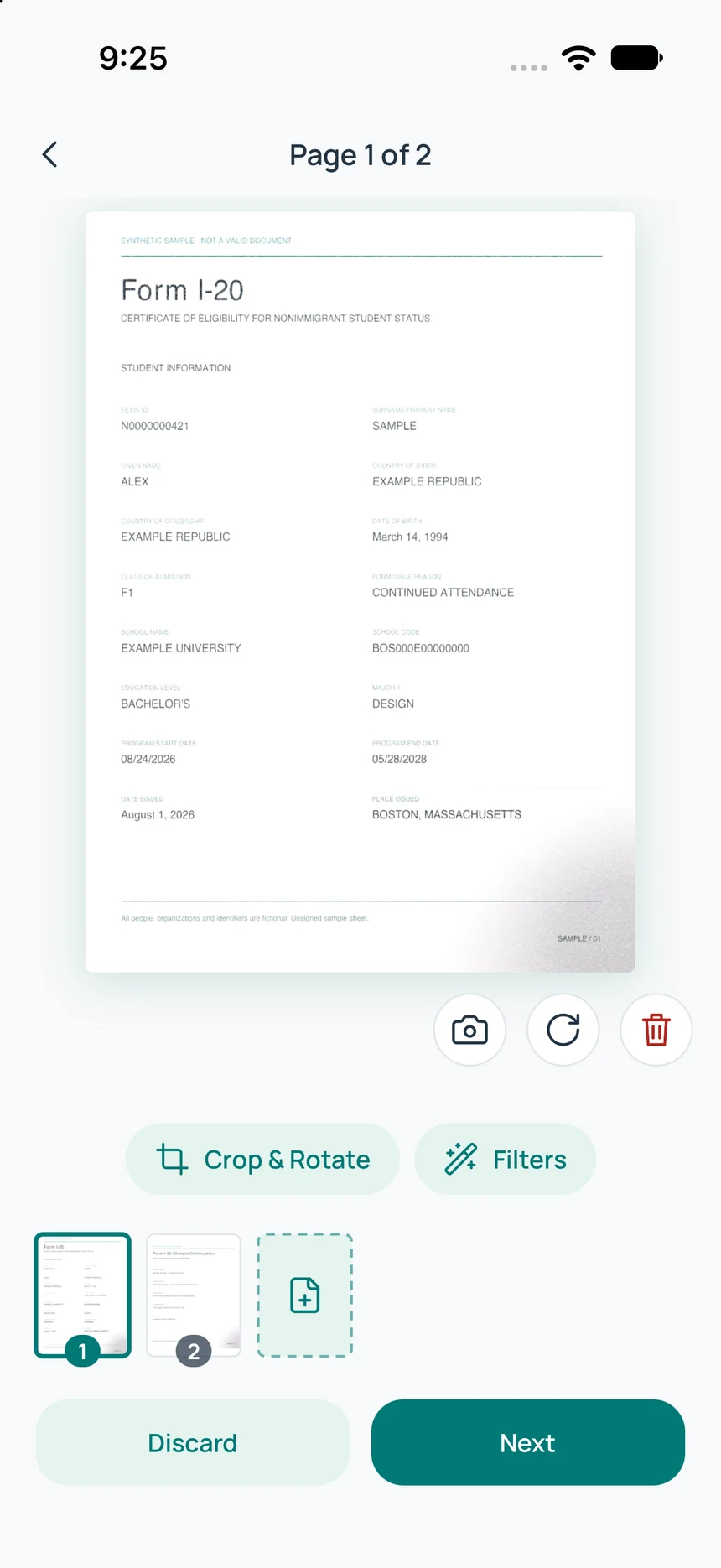
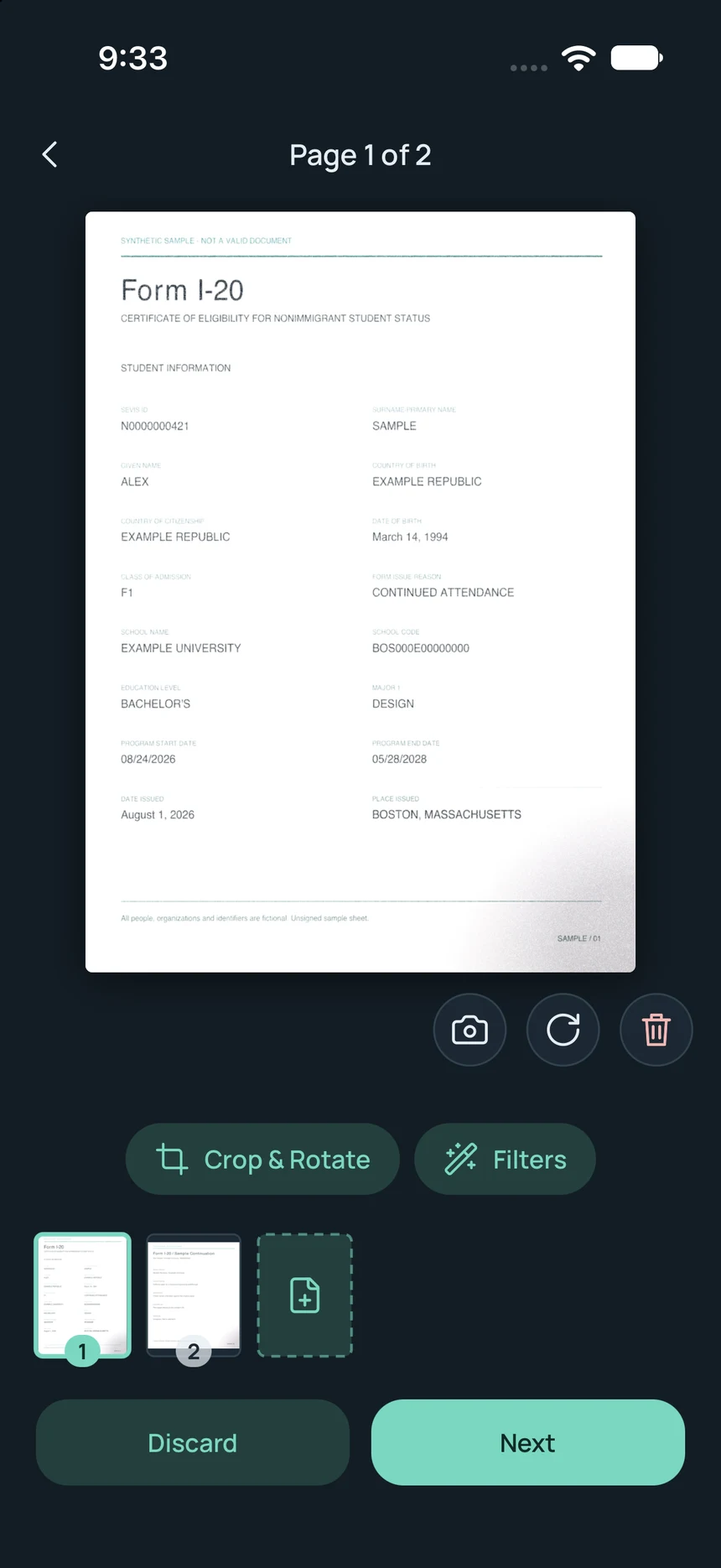
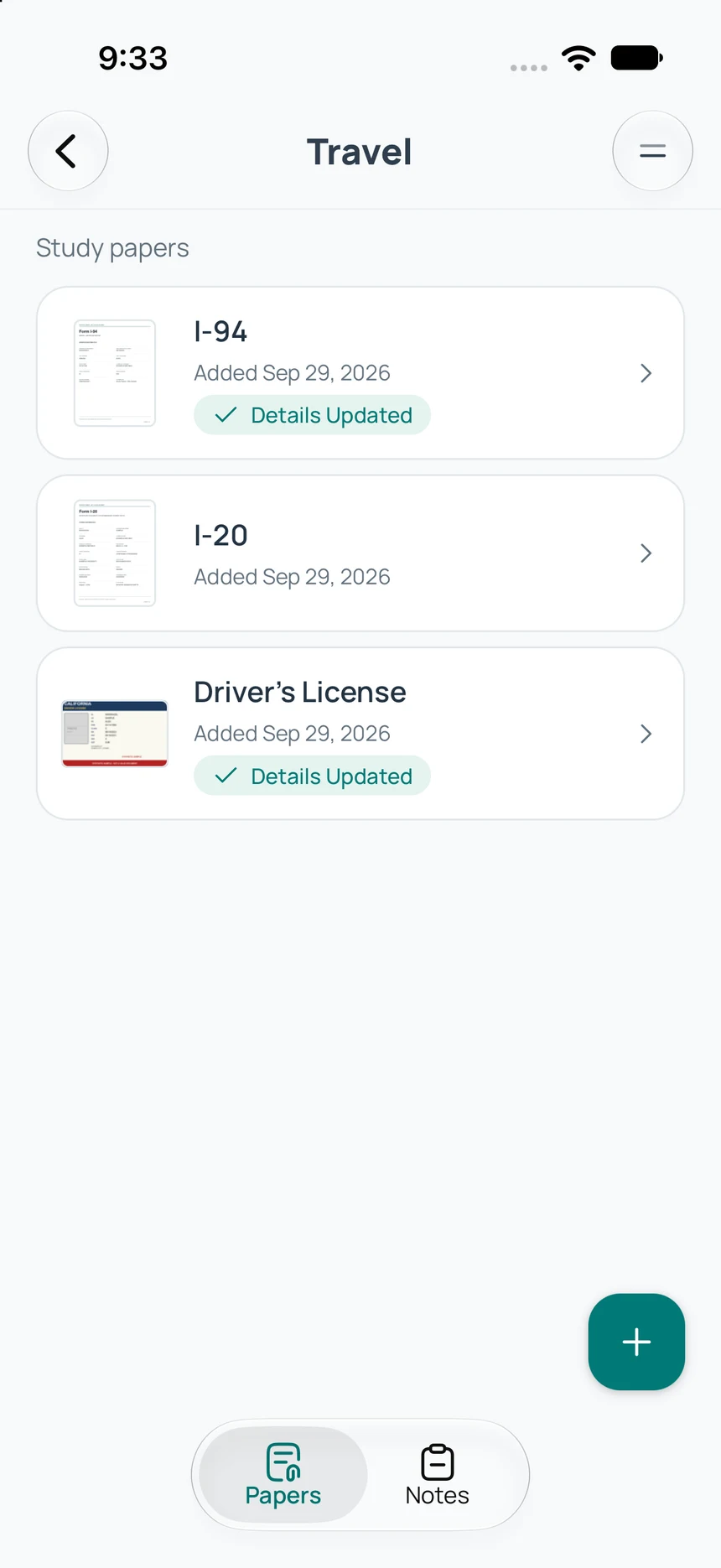
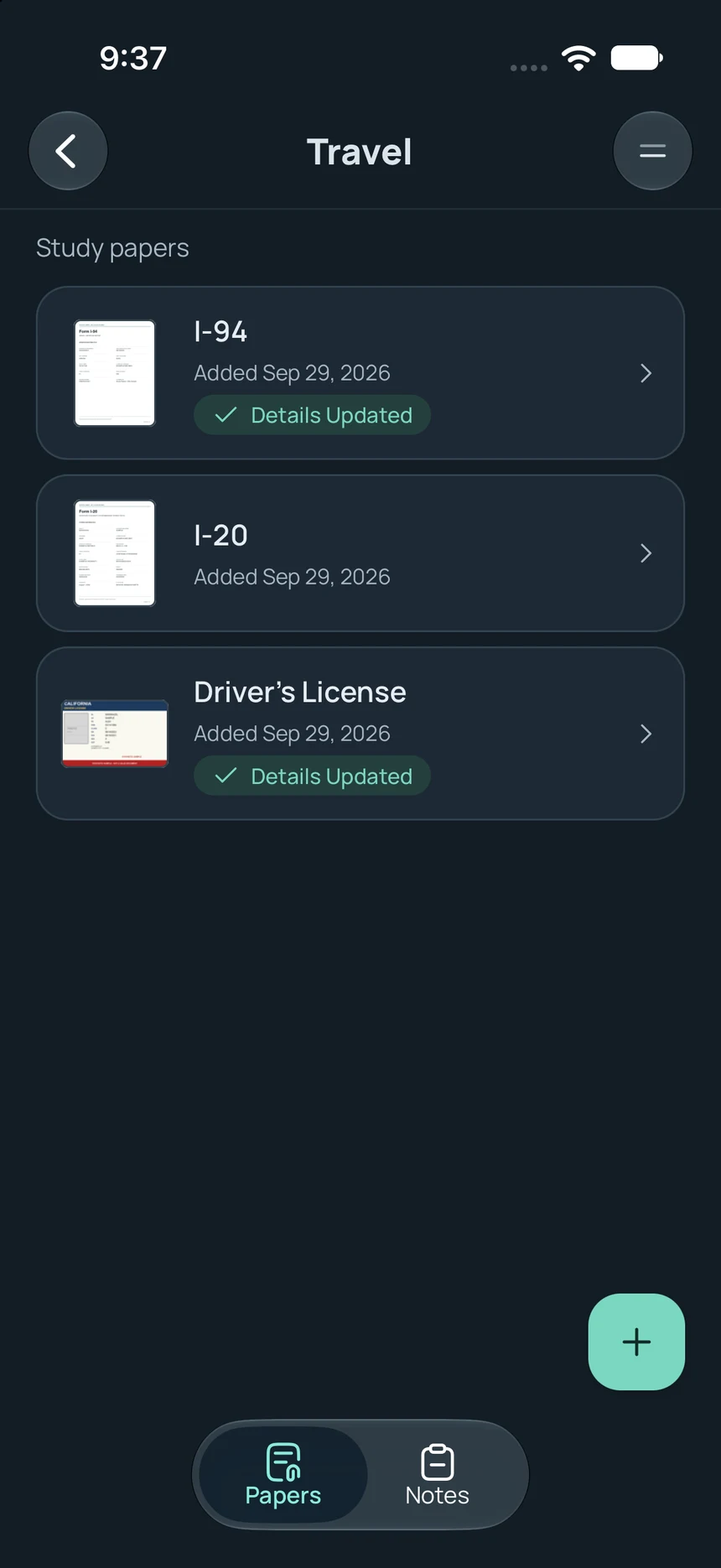
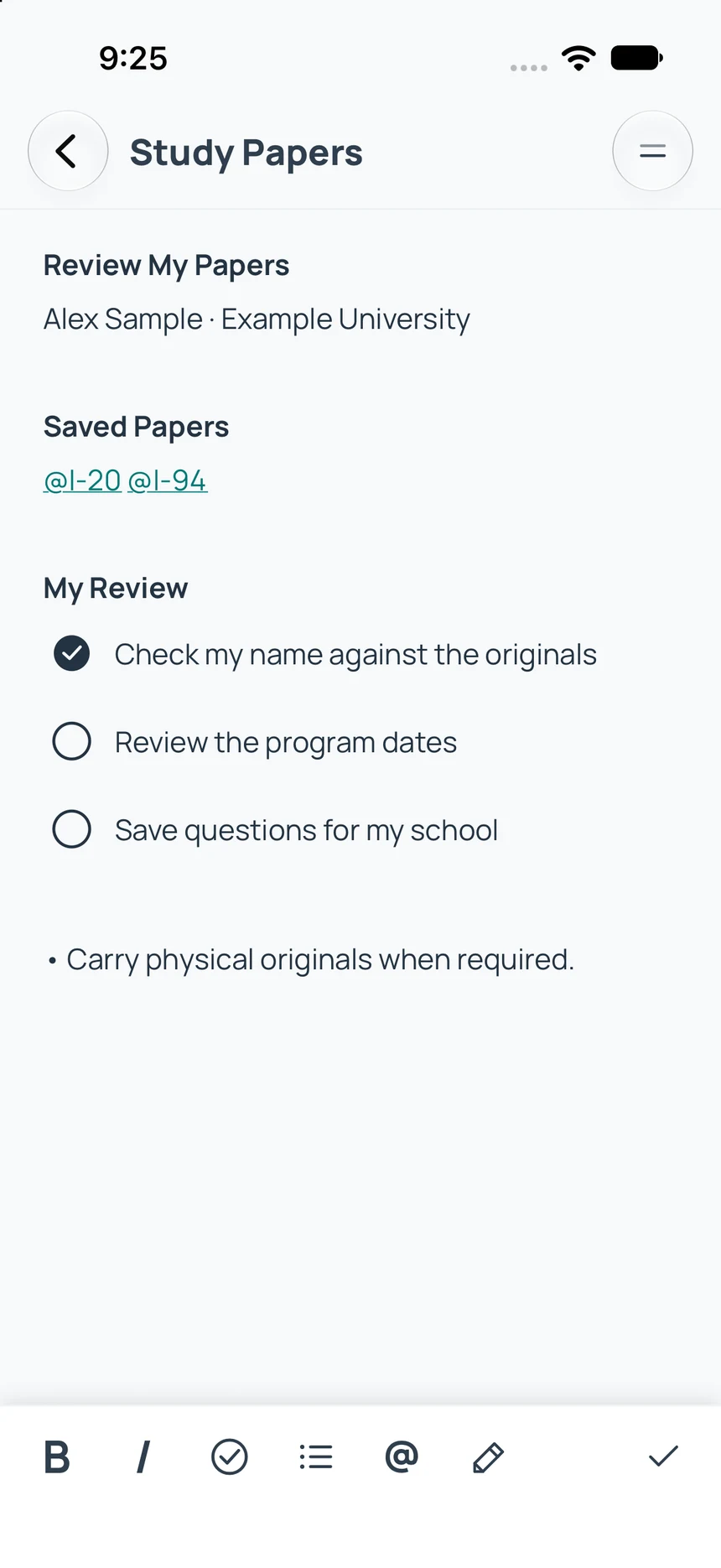
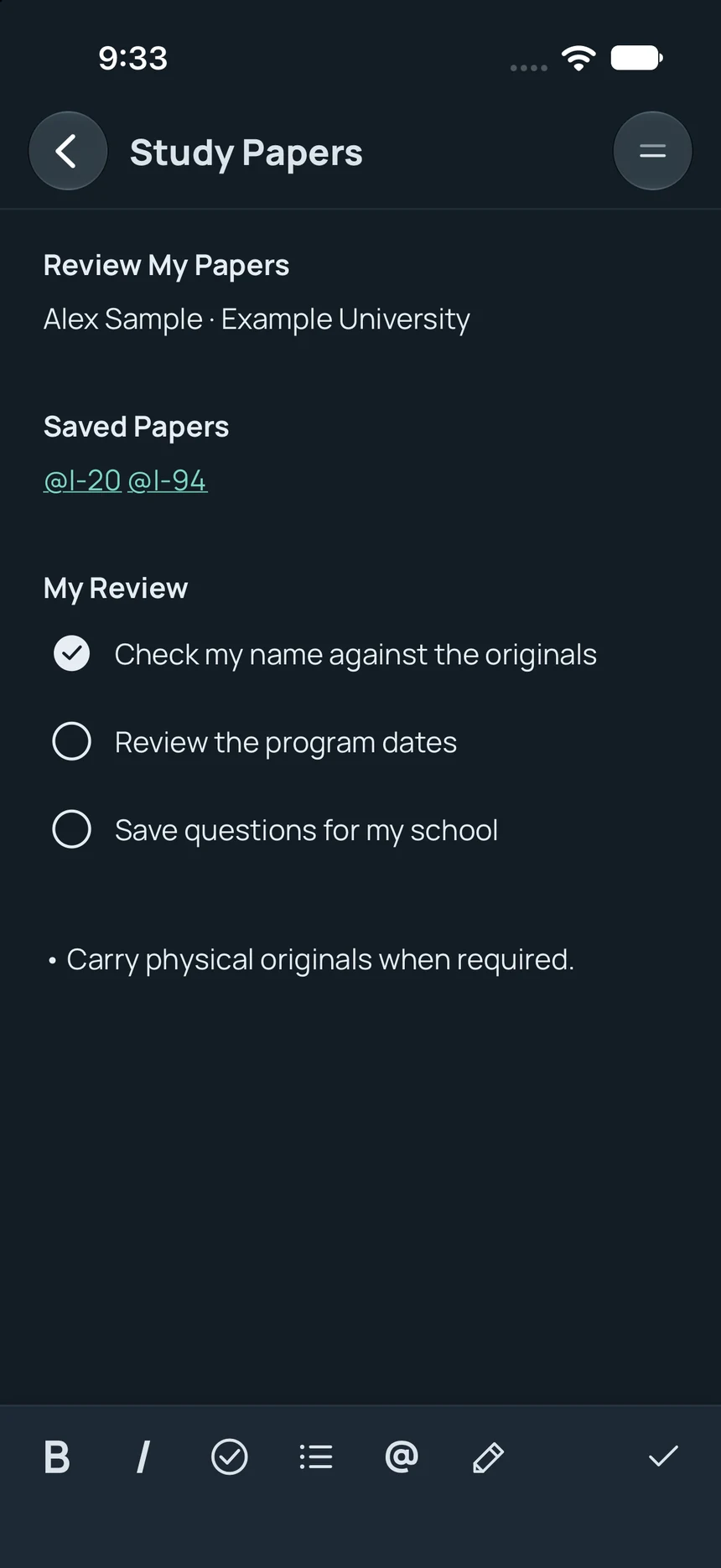
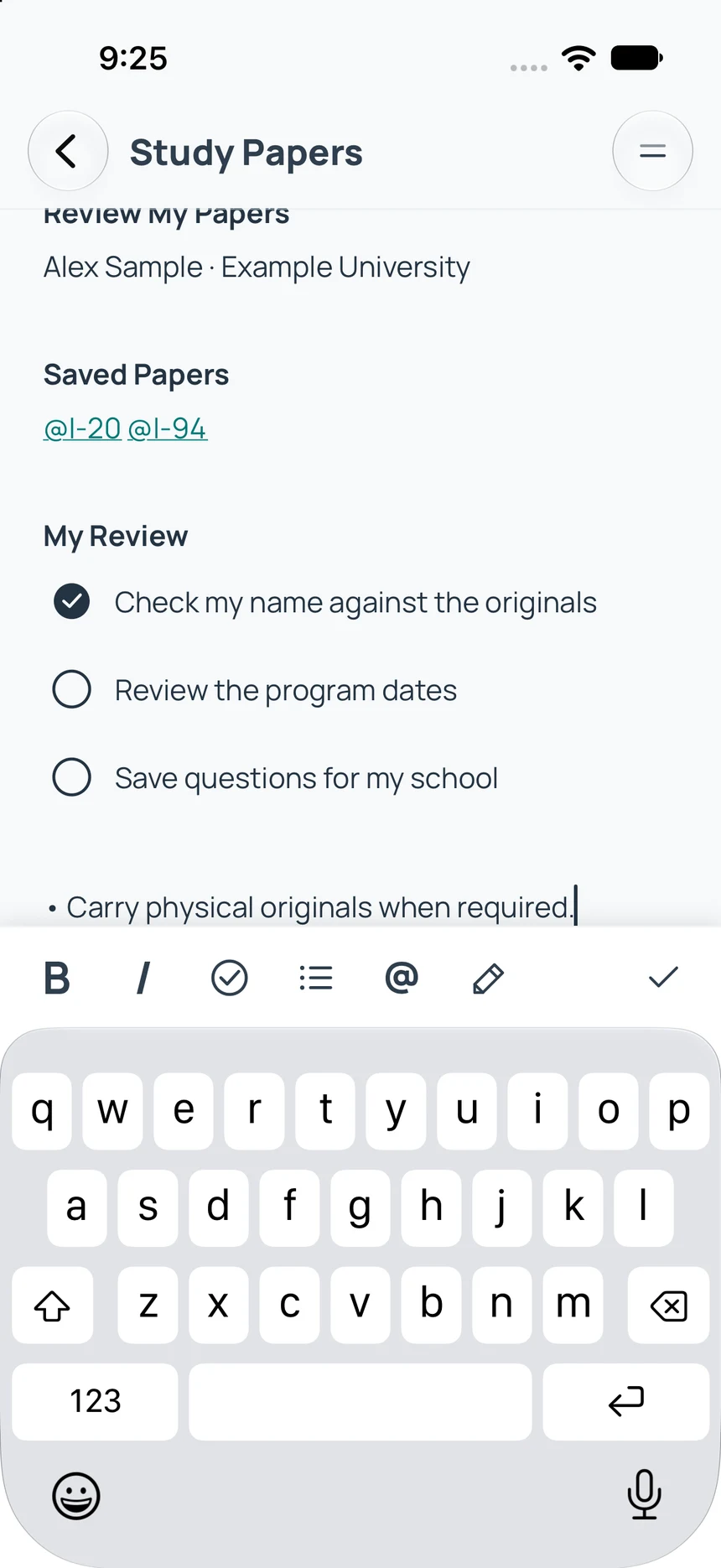
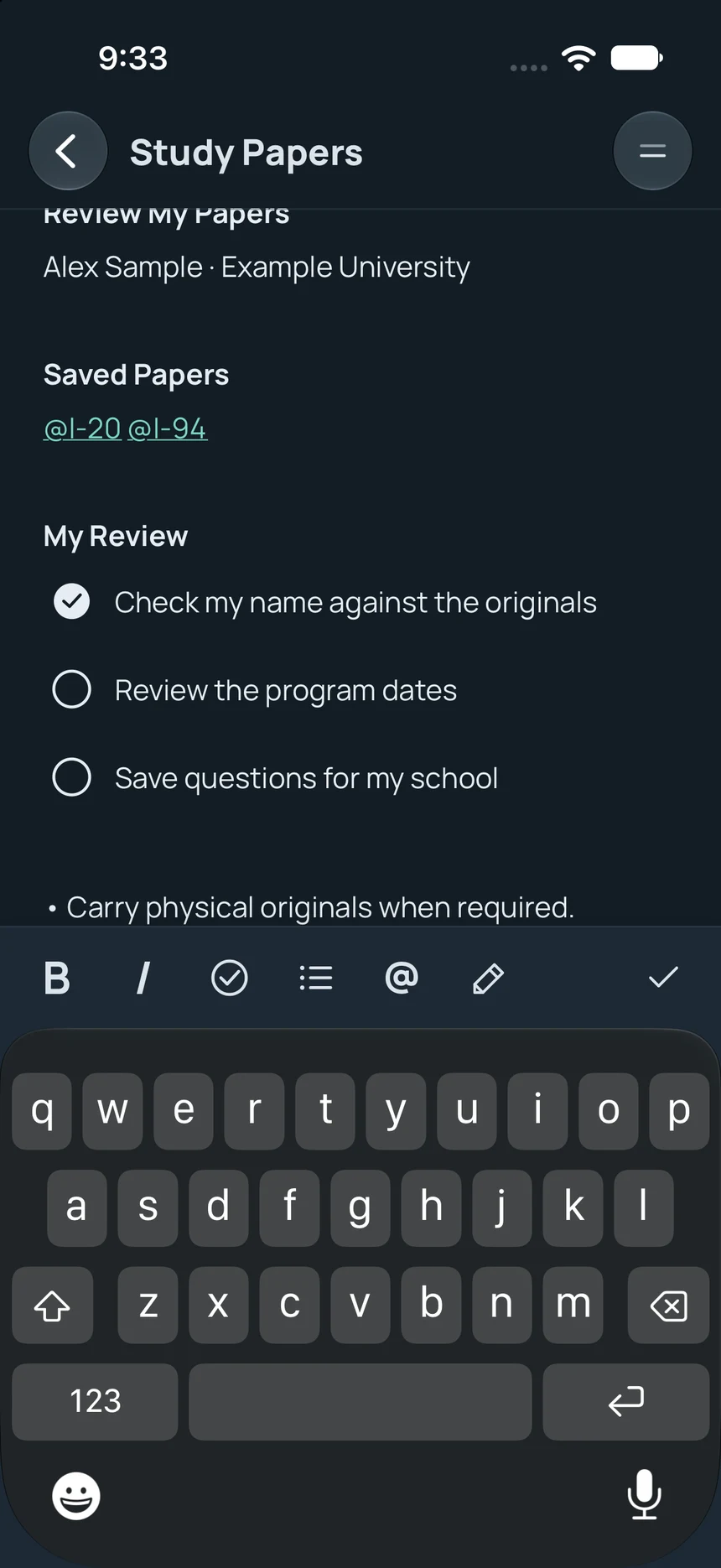
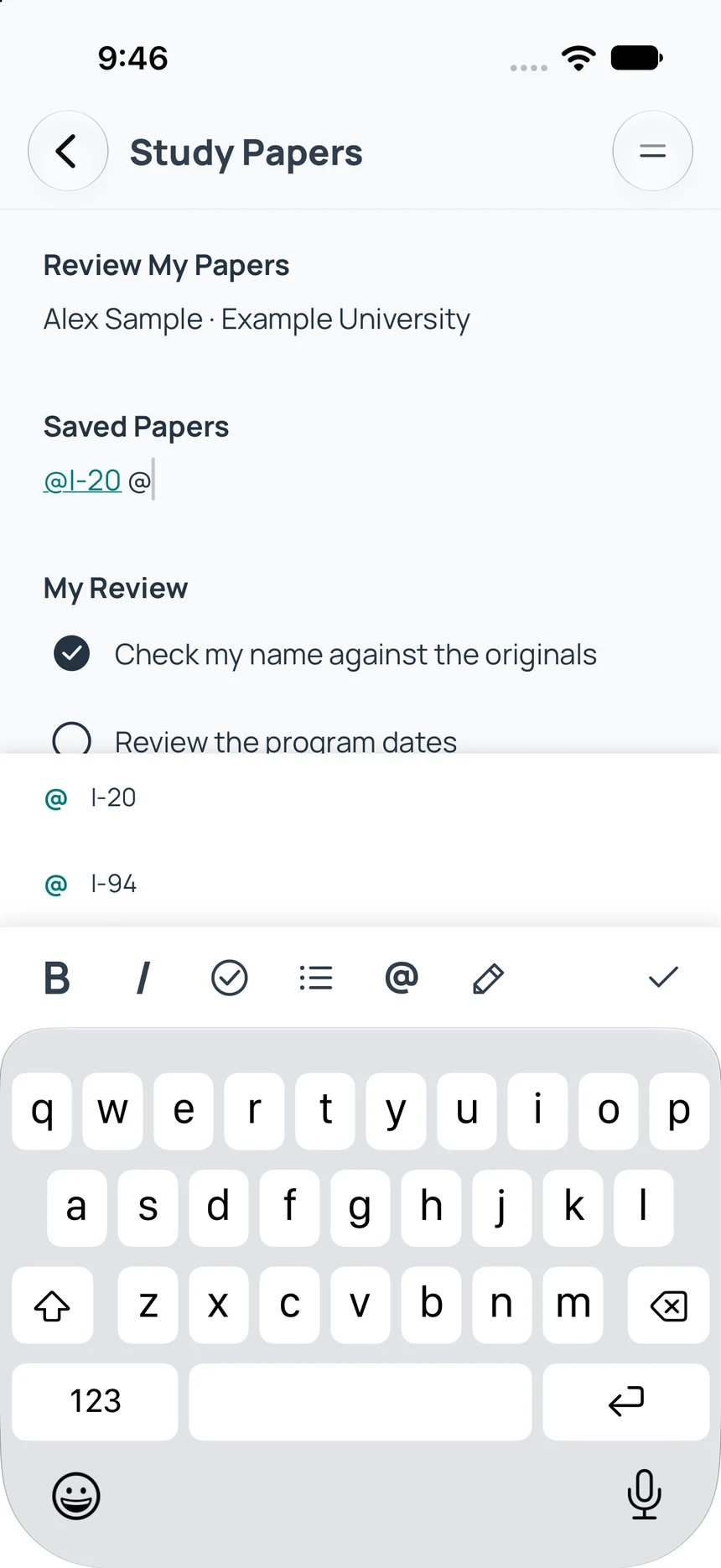
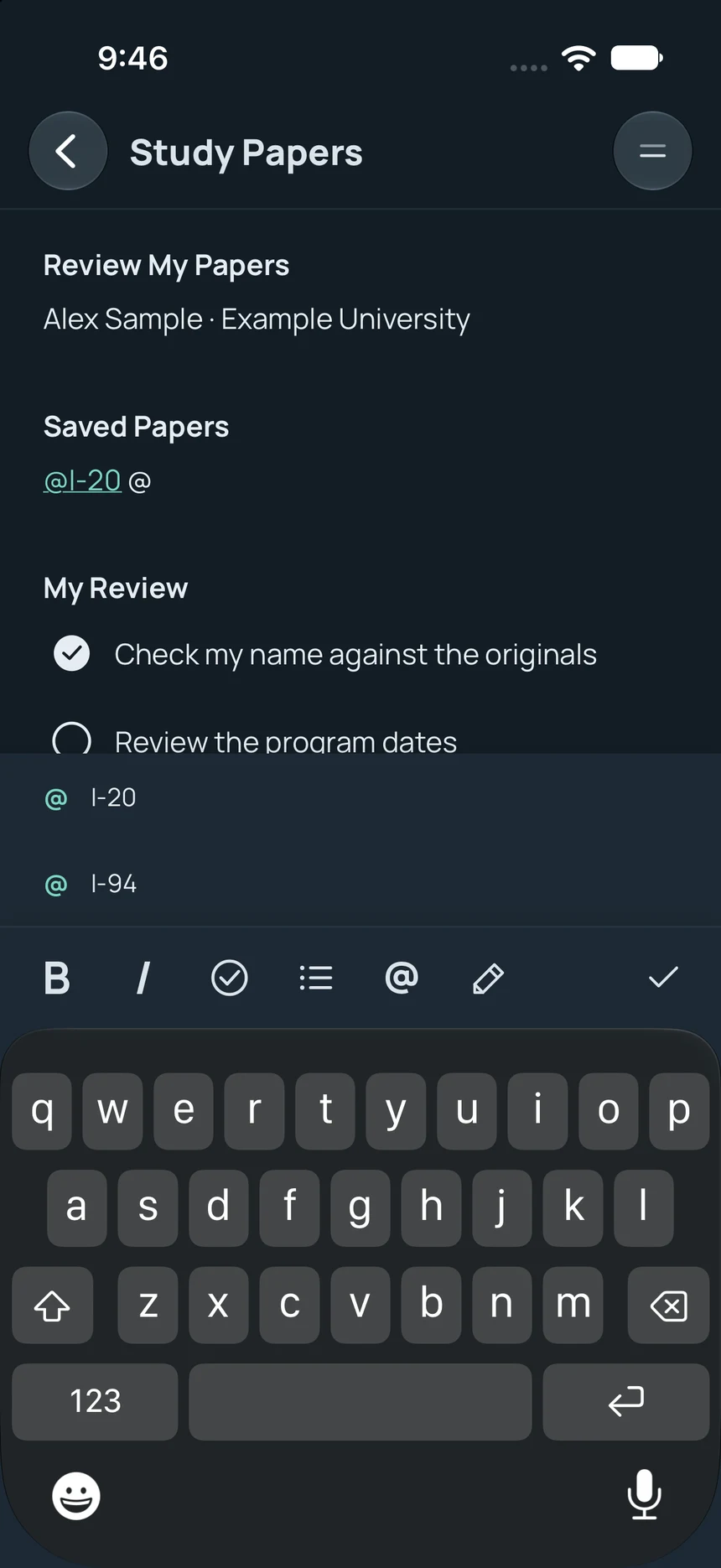
Scan or import your papers. Review details against the original, find everything in folders, and make a plan with linked Notes. All on your phone.
Free to use. No ads.
Inside the app
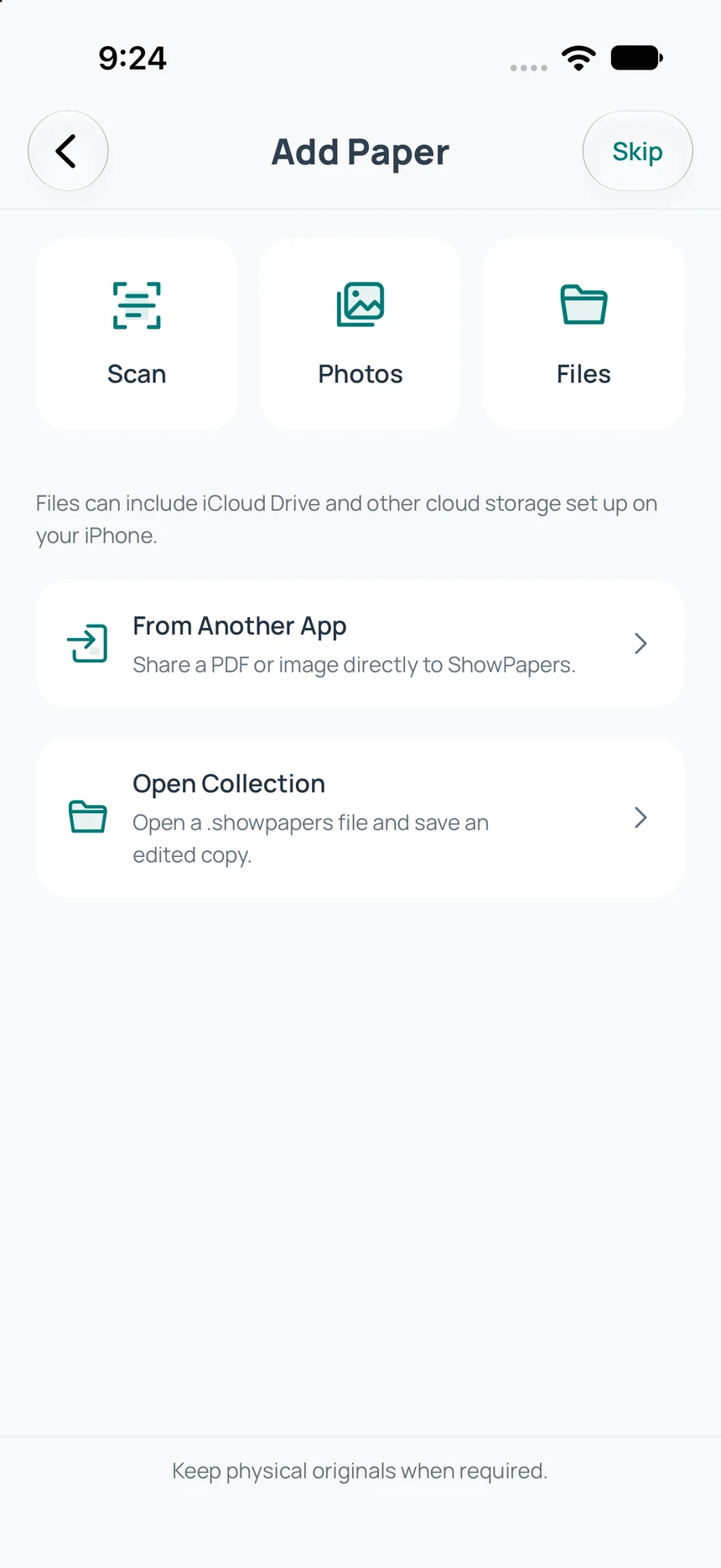
Add your papers.
Bring it in.
Camera, photos, or chosen files.
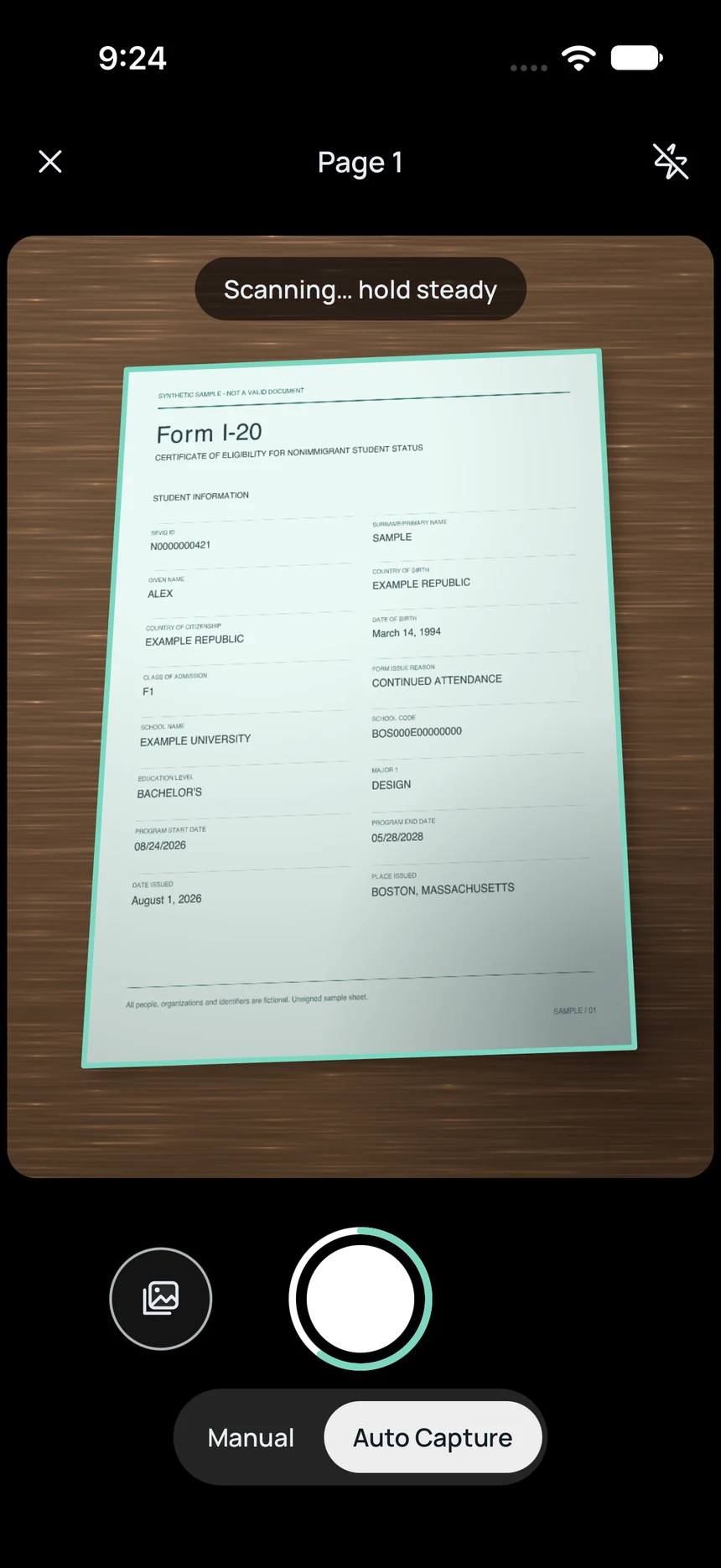
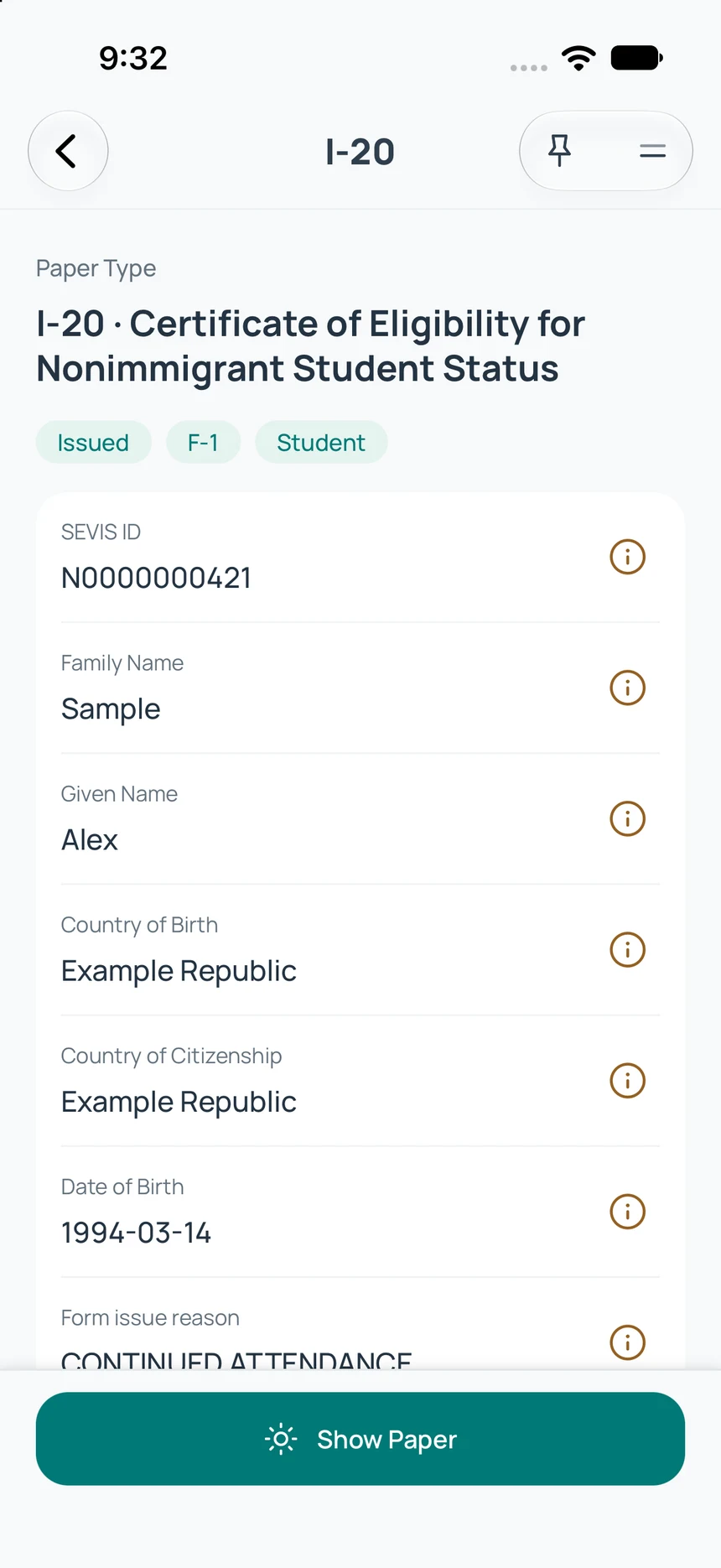
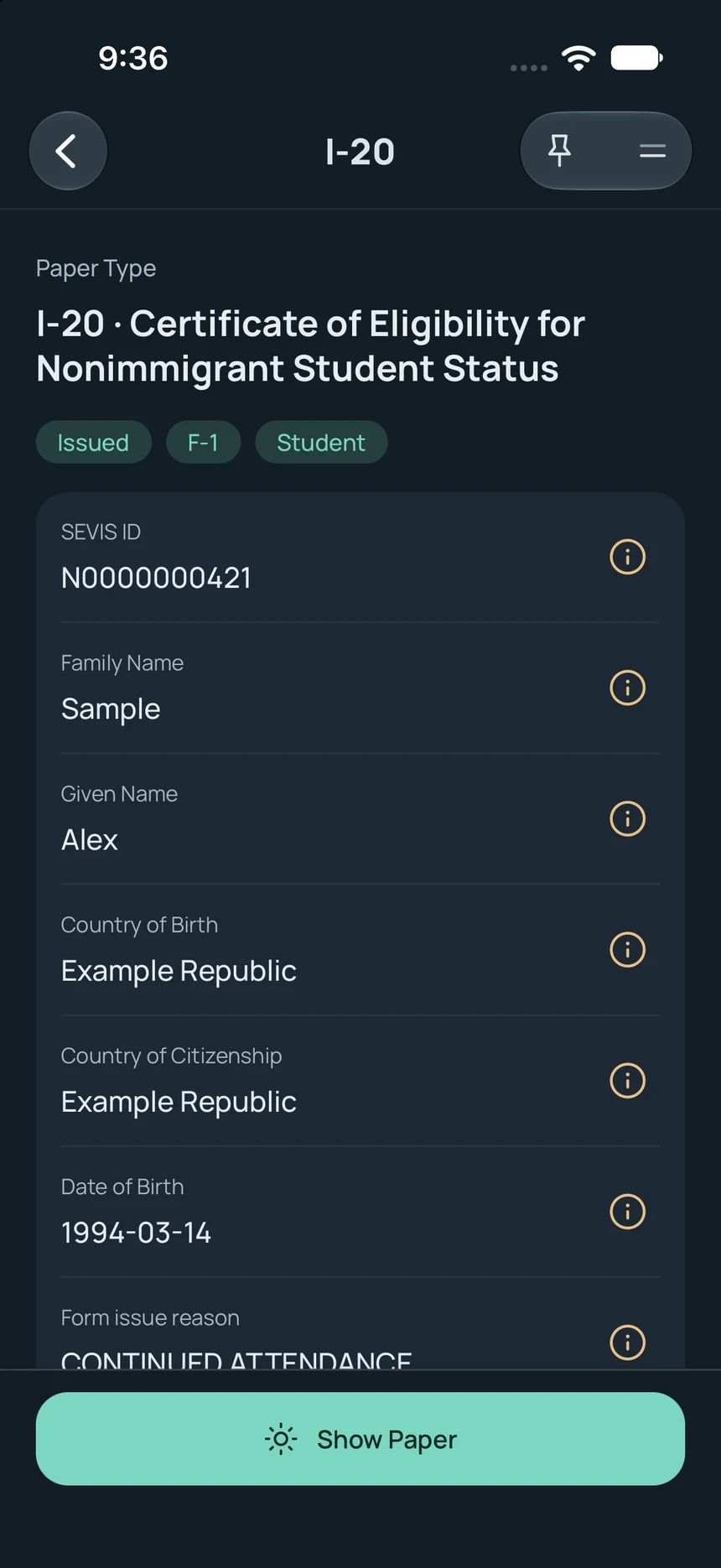
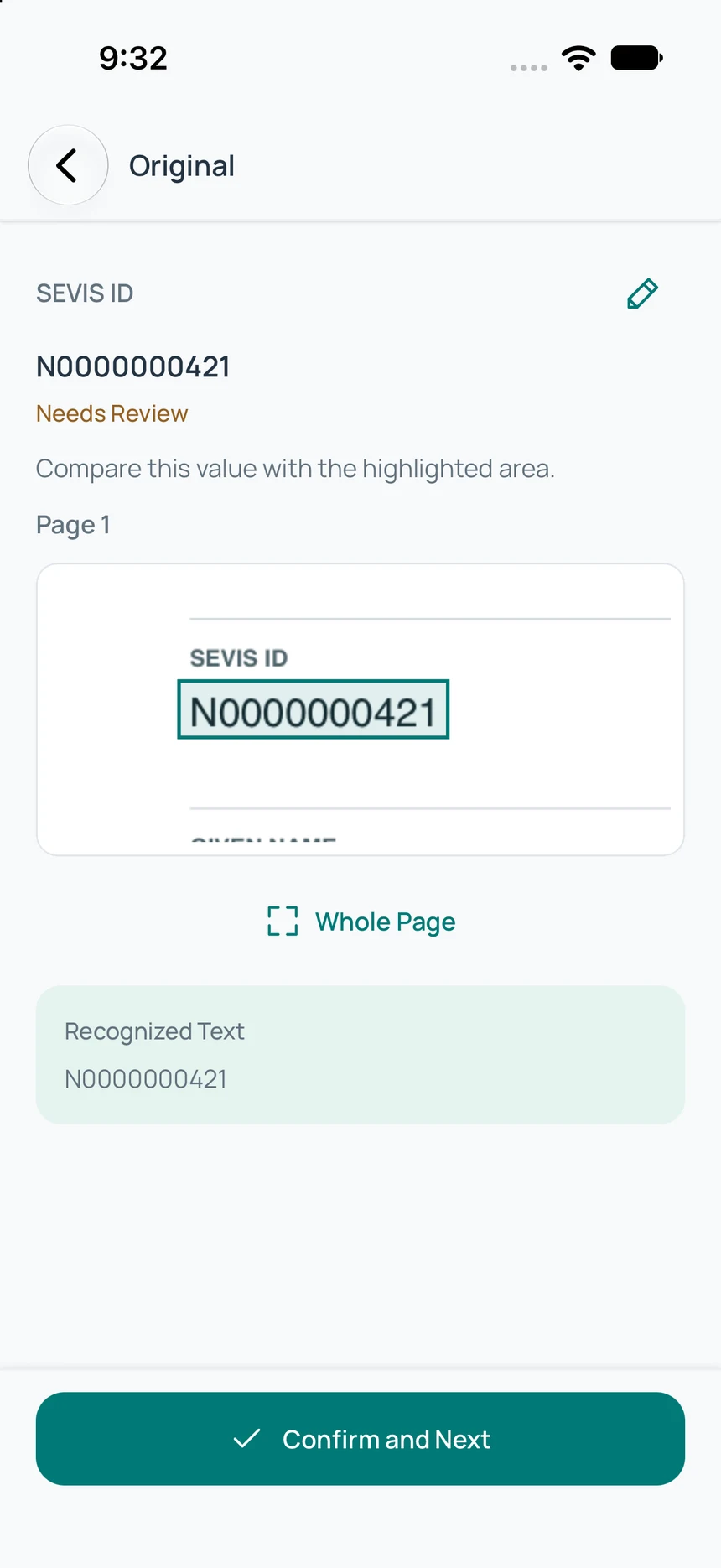
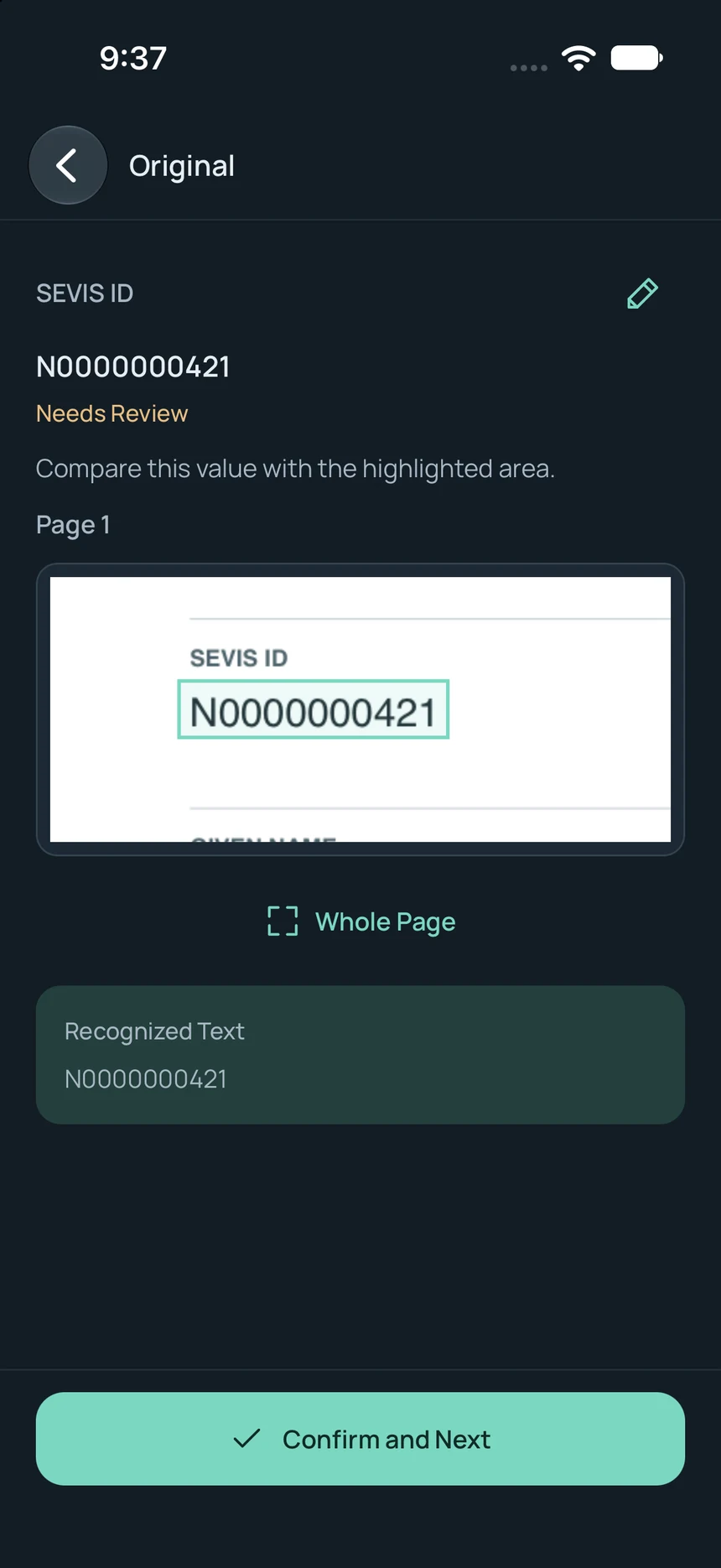
Read and review.
On-device text recognition reads the page. Review supported details against the original.
Find it again.
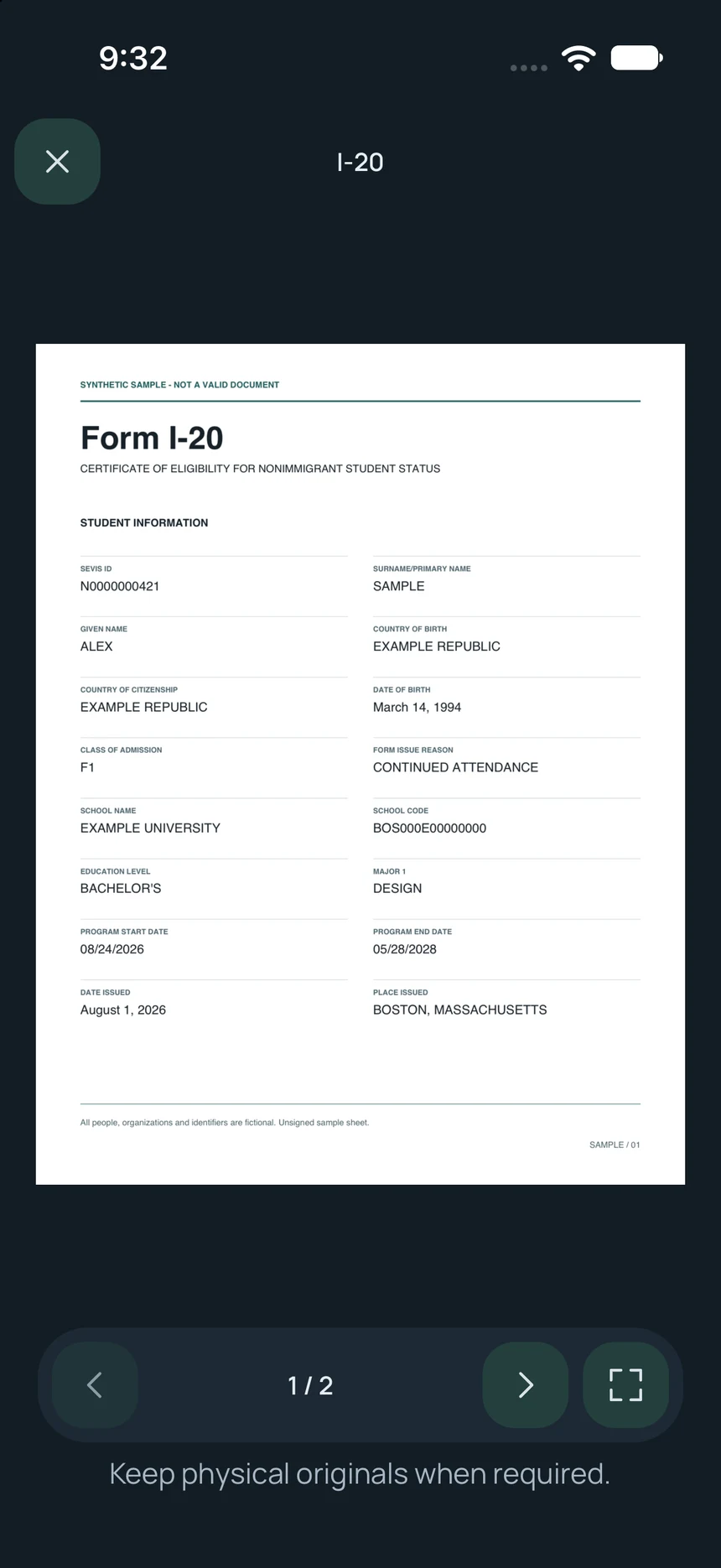
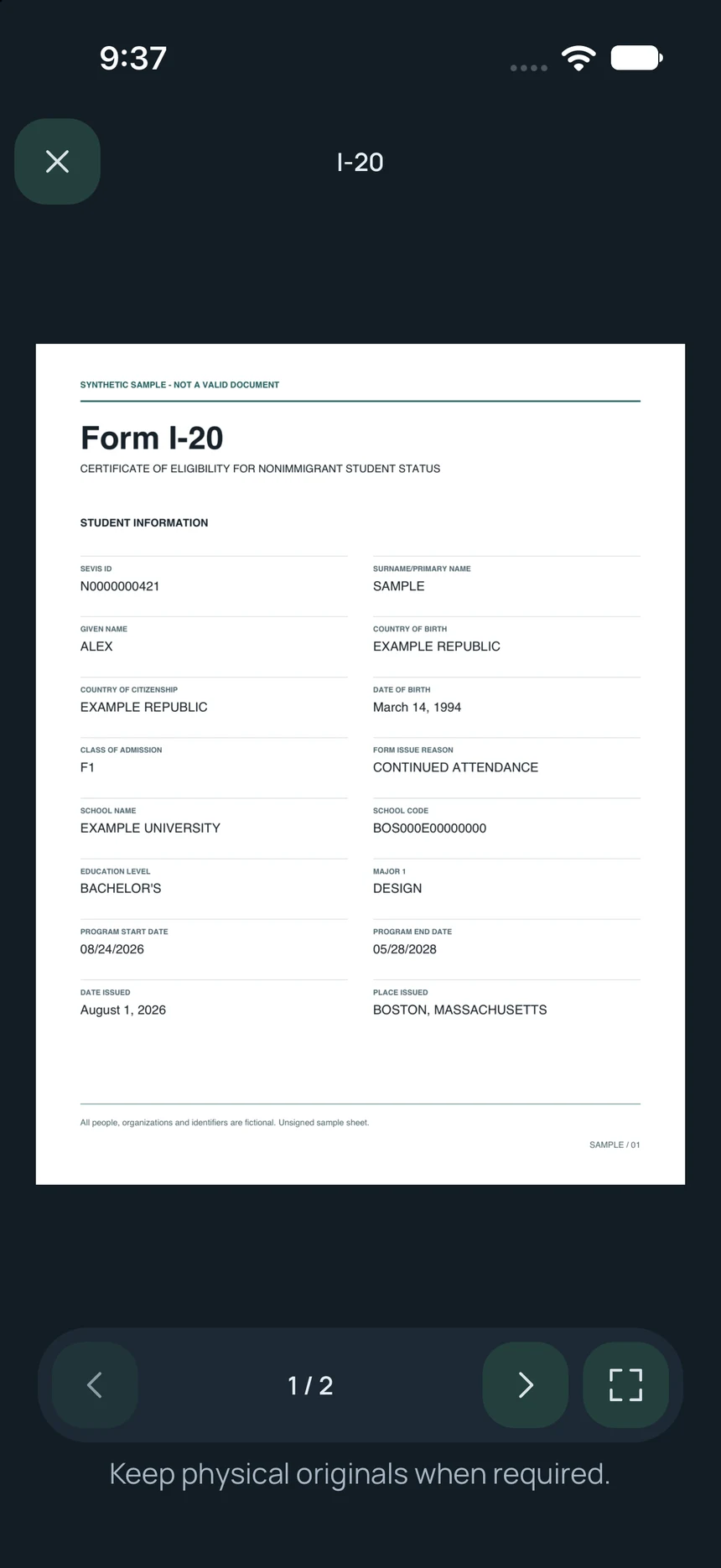
Search saved papers, organize folders, and reopen originals.
Carry physical originals when required.
A little less scattered
Scattered files. One .showpapers.
Bring selected files together with AI. Open your organized collection in ShowPapers.
9:41▰ ▰ ▰
☰AI ⌄+
✳
A little less scattered.
DriveLicense.pdf
FilesI-20.pdf
EmailI-94.pdf
convert all these files into .showpapers
+Files↑
convert all these files into .showpapers
✳
Putting your papers together
Your papers, together. Ready to open in ShowPapers.
travel.showpapers3 papers · 1 folder
↓
Example WorkflowGather files
Illustrated AI workflow using fictional papers. Selected files become travel.showpapers. The collection opens in the real iOS app, is added to the library, and appears in a Travel folder. No files are uploaded and no AI service is contacted.
Use an AI app that can read files and create a .showpapers collection.
Connect & share
Ask for help. Share what’s needed.
Use your papers with an AI app, or send selected copies to someone you trust.
Ask an AI App
Choose papers, add a question, and send a copy to your AI app.
Review before sending. Cloud AI services can read the copy. For sensitive papers, consider a trusted local AI setup that keeps document content on your device.
Documents are stored and read on your device, with encryption and no account required. You choose when to export or share a copy, including with an AI app.